
From Chaos to Cartographer: I Handed My Files Over to an AI
By Jp@NeuroStratum — Originally published in French on March 8, 2026
Summary — Claude Cowork organizes your files, connects them, and builds a navigable knowledge network. After three weeks, six iterations, and 551 files, I forged six specialized agents that work as a pipeline. This new edition adds The Cartographer and The Weaver — knowledge mapping and Obsidian-style backlinks. The full v4.1 guide, with the six ready-to-use prompts, is in the resources, along with an interactive demo of The Cartographer — an HTML file you can open in your browser to see the connection network in action.
⏱ Estimated reading time: 5 minutes
Your files are no longer sorted — they’re connected.
— New edition: six agents, mapping, and backlinks —
This post has grown. The first version told the story of four prompts and 55 files. This one has six, a knowledge network, and 551 files sifted through. If you read the first version, you’re about to discover a pipeline that has changed dimension.
You know the document is somewhere. You downloaded it three weeks ago — or maybe six. You dig through Downloads. 847 files stare back at you in silence. You end up downloading the file again, promising yourself that this time, you’ll tidy up.
You won’t. No one tidies up. Until the day someone else can do it for you — and better than that: connect your files so you can find them by meaning, not only by name.
Cowork: From Advice to Action
You know Claude’s chat: it advises, analyzes, writes. Cowork is something else. A desktop agent that accesses your files, opens them, reads them, moves them, and renames them. The difference between an architect drawing plans and a mason laying bricks. Except this mason understands the plan. It opens your PDF, identifies that it’s about prompt engineering, and files it accordingly. Striking — but it does nothing without your green light.
First Steps: The Missteps That Changed Everything
My first instinct? A vague prompt: « organize this folder. » Claude charged in headfirst. It treated a CSV and its XLSX equivalent as duplicates (wrongly), invented a different naming pattern for each file, and acted before showing me its plan. Three immediate lessons: define what counts as a duplicate, impose a naming convention, and require a report before action. Briefing an AI agent is briefing a co-worker — the quality of the deliverable depends on the quality of the briefing.
Six Iterations to Forge the Right Prompt
The final prompt didn’t materialize out of thin air. Six successive versions, each born from a problem encountered under real conditions. V1 laid the foundations. V2 clarified that different formats aren’t duplicates: throwing away a CSV because you have the XLSX is like throwing away a screwdriver because you own a hammer. V3 introduced hash verification. V4 added EXIF for images. V5 brought media and documents together. And V6 — the turning point — split the processing into two distinct passes, because Claude lost precision when it tried to analyze everything at once.
This prompt wasn’t designed; it was forged. Each adjustment came from the field, not from theory.
Six Agents, One Pipeline — The Great Evolution
The first version of this post stopped here: four agents, a linear pipeline. But the project kept growing. When a member of the community showed me Obsidian — its backlinks, its graph view, its fluid navigation — the question wasn’t whether to adopt the tool, but how to transplant its principles. Connect rather than sort. The result: two additional agents, and a pipeline whose nature changed.
The Sorter does the initial heavy lifting in two passes: pass 1 for media, a fast and mechanical triage; pass 2 for documents, with deep reading and thematic renaming.
The Scout audits the file tree after sorting. It uncovers redundant folders, misplaced files, and hidden duplicates. Prioritized report, zero action.
The Harmonizer executes your decisions: merges, cleanups, consistent renaming. Report, validation, action, traceability log.
The Observer is the image specialist: thematic sorting enriched by EXIF metadata.
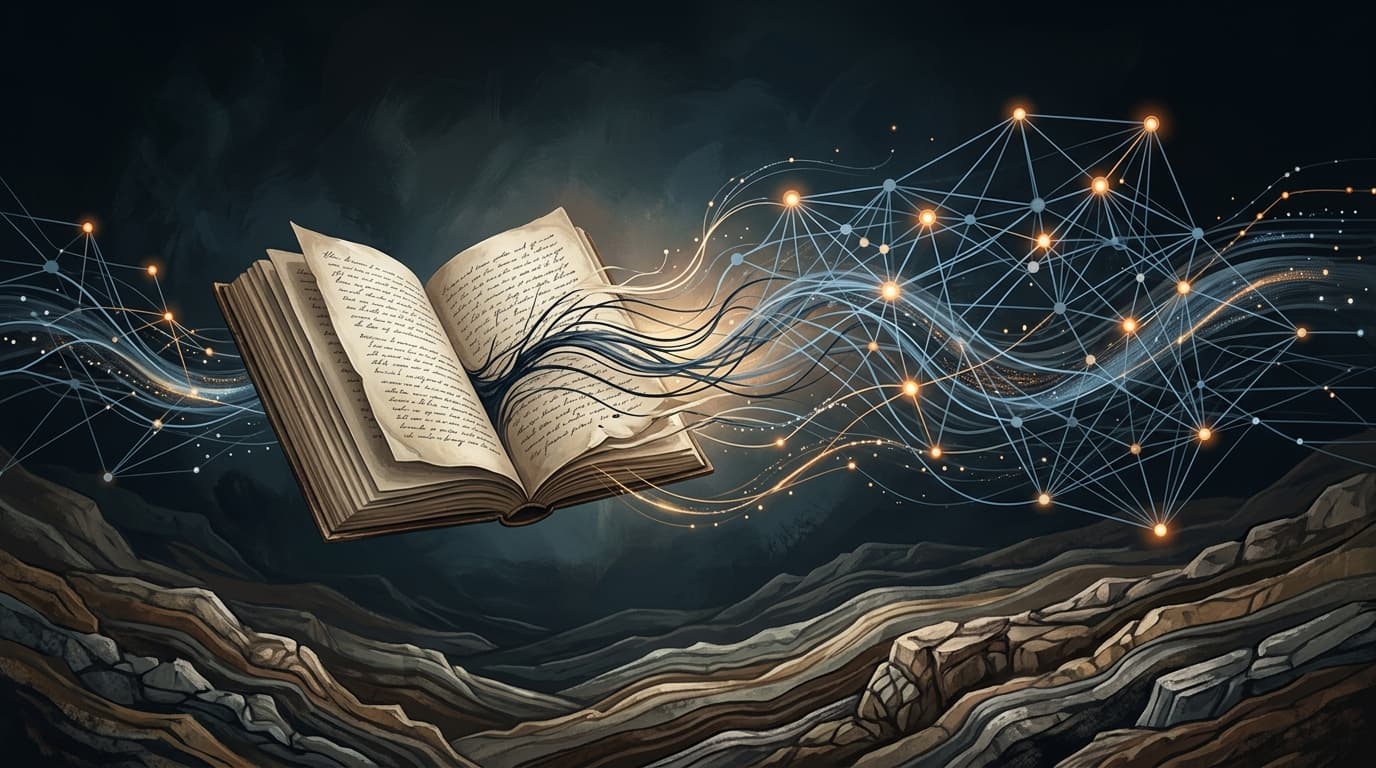
The Cartographer is the agent that changes the game. It reads each file, identifies themes, and weaves a knowledge network: Markdown files by theme, weighted connection JSON, interactive HTML prototype. 27 themes, more than a thousand connections, four view modes. Your files are no longer sorted — they’re connected.
The Weaver completes the picture by injecting bidirectional backlinks into each thematic note. Format [[moc-name]], compatible with Obsidian’s MOC — Map of Content — convention. 132 backlinks across 27 notes, zero content files touched.
The pipeline puts the human at the center. Cowork executes; the human decides. That’s the key.
From 55 to 551 Files: The Crash Test
First test: 55 files, 17 subfolders. The Scout uncovers four groups of overlaps, one hidden duplicate, one orphan .docx. The Harmonizer produces 43 renamings. Two requested adjustments; integrated. Impeccable result.
Then the real test: my full AI folder. 551 files, 100 subfolders, one year of accumulation. Final count: 523 files, 84 folders, unified convention, zero real loss. Eighteen duplicates removed by hash. And The Cartographer transformed this file tree into a navigable network — a prototype where each file has as many contexts as it has shared themes.
Seeing to Understand: The Interactive Demo
Words aren’t enough to describe what The Cartographer produces — you have to see it. I’ve included a demo version of the HTML prototype in the resources. One file, no installation: you download it, open it in your browser, and navigate the connection network of my 325 files. Four view modes, a density slider to filter weak links, statistics by theme. Spin the graph, click a node, explore. This is the moment when a frozen file tree becomes a living landscape.
The Traps
Cowork on Windows is still finding its footing. In three weeks: server errors — restart and carry on — a virtualization wall and ten minutes of configuration, plus long sessions that strain the token budget. Nothing fatal, on one condition: always work on copies, never on originals. And for The Observer, process images in batches of 10 to 15 — visual analysis is resource-intensive, and beyond that, precision drops.
The Takeaway
A vague prompt produces a vague result. A forged prompt — six iterations, separate passes, imposed conventions, reports before action — produces professional work. And when you add mapping, sorting your files is no longer enough: you understand them.
I wrote an 11-chapter reference guide — new edition v4.1, with the six copy-and-paste prompts, the 551-file case study, knowledge mapping, and the roadmap toward Obsidian. The guide and The Cartographer HTML demo are in the community resources.
If your hard drive looks like mine did before this adventure — an archaeological site where each layer tells the story of a forgotten project — the solution has grown since last time. Six agents, a thousand connections, a knowledge network. And it’s only waiting for your prompt.
Experiment conducted from February to March 2026 in collaboration with Claude (Anthropic). Reproducible methodology — your feedback will help refine it.
Written with the support of AI to help organize thoughts and shape language.
Jp@NeuroStratum
For Further Reading
- Claude — Anthropic’s official page presenting Claude and its modes of use, including Cowork: claude.com/product/overview
- Obsidian — networked note-taking software that inspired The Cartographer’s mapping and The Weaver’s backlinks: obsidian.md
- Model Context Protocol — official documentation for the protocol that allows Claude to connect to local files and external services: modelcontextprotocol.io
- Anthropic Claude Cookbooks — collection of notebooks and recipes for experimenting with Claude and building agent pipelines: github.com/anthropics/claude-cookbooks
Originally published on Skool IA Mastery on March 8, 2026.